P1How we deliver · Councils and public bodies
How does a council move services online without more phone calls?
Online services for councils and public bodies
For a council moving more of its services online without more phone calls, we rebuild the website around residents' tasks, join online forms to back-office systems, give contact centre staff an AI assistant over approved guidance, test everything to WCAG 2.2 AA, and support it once it is live.
- Who it is for
- Councils and public bodies
- Sector
- Local government
- Size
- Public sector
- Services
- 5 services, joined up
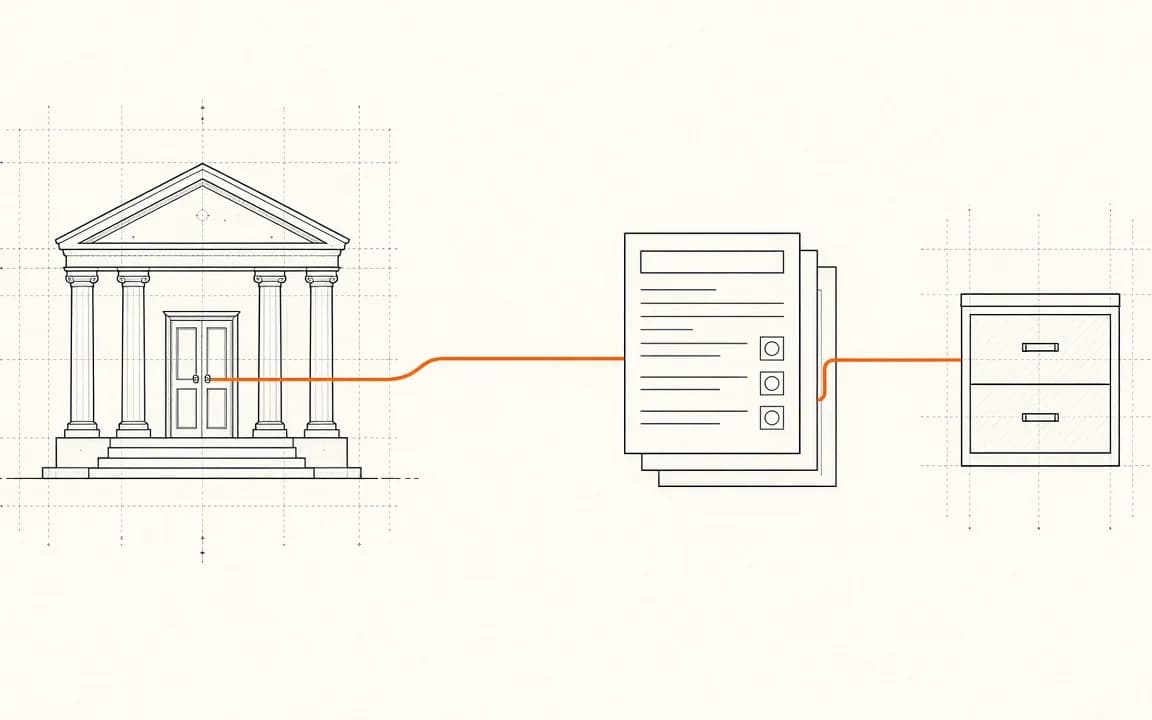
P1.1
The usual starting point
Residents struggle to find services on an ageing website that is awkward on a phone and falls short of current accessibility rules, so many simply ring the contact centre.
Requests arrive as emails and PDF forms, which staff re-key into case management and payment systems, often chasing missing details first.
Contact centre staff answer the same questions all day from guidance spread across intranet pages, documents and long email threads.
P1.2
The system at a glance
What we build, what it connects to, and who uses it.
What we buildWebsite
Website · task-led pages
We build and look after this part.
- 01 · Discovery Discovery with residents and teams: Bespoke website development
- 02 · Build A task-led website: Bespoke website development
- 05 · Launch Accessibility and security checks: Code audits
- 06 · Launch A phased switch-over: Bespoke website development
- 07 · Grow Improving the top tasks: Support and maintenance
- 08 · Ongoing Support and improvement: Support and maintenance
The diagram in words
- Resident, phone or laptop (people)
- Website, task-led pages (what we build)
- Online forms, save and pay (what we build)
- Case system, back office (existing system)
- Payments, card provider (existing system)
- Contact centre, staff (people)
- AI assistant, approved answers (what we build)
- Content, one source (what we build)
Connections:
- Resident → Website
- Website → Online forms
- Online forms → Case system
- Online forms → Payments
- Contact centre → AI assistant
- AI assistant → Content (AI at work)
P1.3
How we deliver it, stage by stage
Discovery, build, launch, grow and ongoing: each step and the service behind it.
- 01 · Discovery · Discovery with residents and teams
Bespoke website development
Watch how residents look for the most-used services, map every form and where its data ends up, and agree priorities with service leads and the digital team.
Touches: Resident, Website, Online forms
- 02 · Build · A task-led website
Bespoke website development
Rebuild the website around the tasks people come to do, with plain-English content, a content model many editors can use safely, and search that understands everyday words.
Touches: Website, Content
- 03 · Build · Forms joined to back-office systems
API development and integration
Replace PDF and email forms with online forms that save progress, take payments and pass complete requests straight into case management, with a reference back to the resident.
Touches: Online forms, Case system, Payments
- 04 · Build · A contact centre assistant
Knowledge assistants
Give contact centre staff an AI assistant that answers from approved council guidance only, shows its sources and says when it does not know. It is for staff; residents always speak to a person.
Touches: AI assistant, Contact centre
- 05 · Launch · Accessibility and security checks
Code audits
Test every page and form with keyboard, screen readers and zoom against WCAG 2.2 AA, fix the issues, review security, and help update the accessibility statement before switching over.
Touches: Website, Online forms
- 06 · Launch · A phased switch-over
Bespoke website development
Move services across a few at a time, with redirects from every old address so bookmarks and links in letters keep working.
Touches: Website
- 07 · Grow · Improving the top tasks
Support and maintenance
Use site search terms and form drop-off points to rewrite pages and simplify forms each month, starting with the services residents use most.
Touches: Website, Online forms
- 08 · Ongoing · Support and improvement
Support and maintenance
Support the website, forms, integrations and assistant under an agreed service level, with monitoring, security updates, guidance refreshes and a monthly improvement cycle with the digital team.
Touches: Website, Online forms, AI assistant, Case system
P1.4
How the services connect
Why one partner across every stage matters.
- The website, forms and integrations are designed together, so a resident's request reaches the right system complete, and the confirmation they receive matches what staff see.
- The assistant reads the same approved content that powers the website, so staff and residents get one consistent answer, and updating a page updates both.
- The team that builds it supports it, so accessibility fixes, form changes and new integrations go through one backlog rather than three suppliers.
P1.5
How we work with your team
- Governance
- Fortnightly show-and-tells with service leads, a shared backlog, and decisions recorded for the council's digital board.
- Data protection
- Support the DPIA, keep data in the UK, apply the council's retention rules to form data, and keep the assistant away from residents' personal data.
- Accessibility
- WCAG 2.2 AA from the first design, tested with assistive technology before every release, and an accessibility statement kept current.
- With their team
- Work alongside the council's digital and IT teams, train editors to publish safely, and leave documentation and runbooks the council owns.
P1.6
What you get
- Residents can complete common requests online, on a phone, at any time of day.
- Requests reach back-office systems complete, so staff no longer re-key them or chase missing details.
- Contact centre staff find the approved answer quickly, with the source to hand.
- Every page and form meets WCAG 2.2 AA, and the accessibility statement stays up to date.
Built for small teams too. The same approach suits a small organisation with one website and a handful of forms: start with the most-used task.
P1.8
What you can check
The standing promises behind this work, and where to read them.
Accessibility to WCAG 2.2 AA
We design and test to WCAG 2.2 AA, by keyboard and screen reader as well as by tools, and help you keep an accessibility statement.
How we work →UK GDPR and DPIAs
Personal data is part of the specification: what is processed, why, where and for how long. We help you run a DPIA when a project needs one.
Security and trust →Hosting region
Hosting in UK data centres or on your own infrastructure, and AI providers set up not to train on your data.
DevOps and hosting →Handover documents
Code in your repositories, plus a runbook and documentation written as we go, so your own team or another supplier could pick it up.
Code ownership →Support terms
Support with agreed response times, monitoring and security updates, set out before work starts.
Support and maintenance →We run this ourselves
DeskZap is hosted, monitored and supported by us, so the way we look after your system is how we look after our own.
See DeskZap →
P1.9
Technology and timescale
Phased delivery over several releases, then ongoing support.
P1.10
Services covered
- 01Bespoke website developmentDiscovery with residents and teams · A task-led website · A phased switch-over
- 02API development and integrationForms joined to back-office systems
- 03Knowledge assistantsA contact centre assistant
- 04Code auditsAccessibility and security checks
- 05Support and maintenanceImproving the top tasks · Support and improvement
T+99Next step
Talk it through with us
A free 30-minute first chat, with no obligation. Tell us what is getting in the way; we tell you honestly what we would do, roughly what it would take, and whether it is worth doing at all.